yt-dlp
yt-dlp is a free, public-domain command-line program for downloading video and audio from YouTube and many other video sites.
Windows
Open source

ClipGrab is free, open-source software for Windows that downloads videos from popular websites and converts them to common formats.
Average 0.0 · ratings: 0
Thank you! Your rating is saved; you can change it. Could not save the rating. Please try again later. Too many ratings from your network today. Please try again tomorrow. The average appears after 5 ratings.
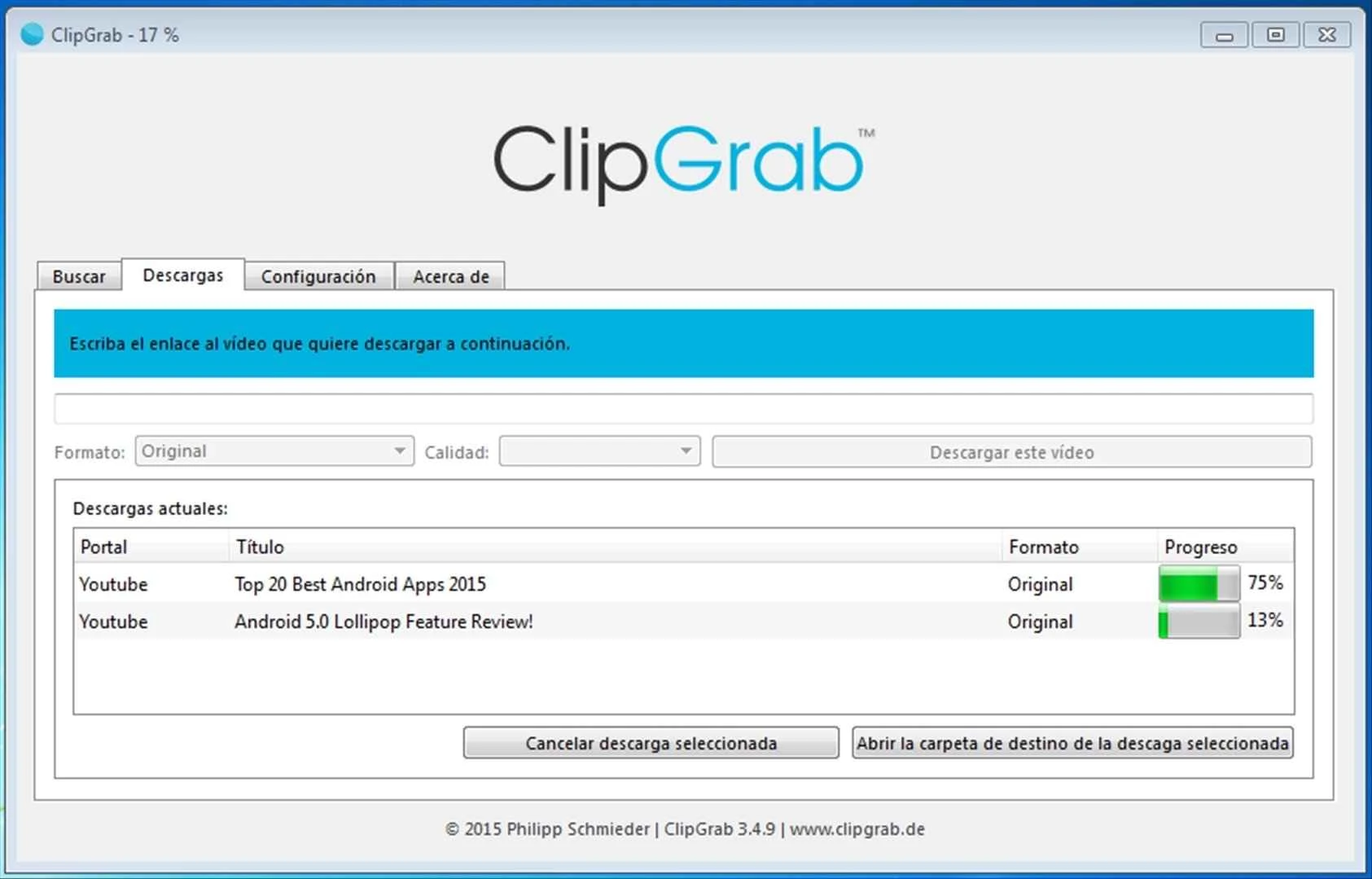
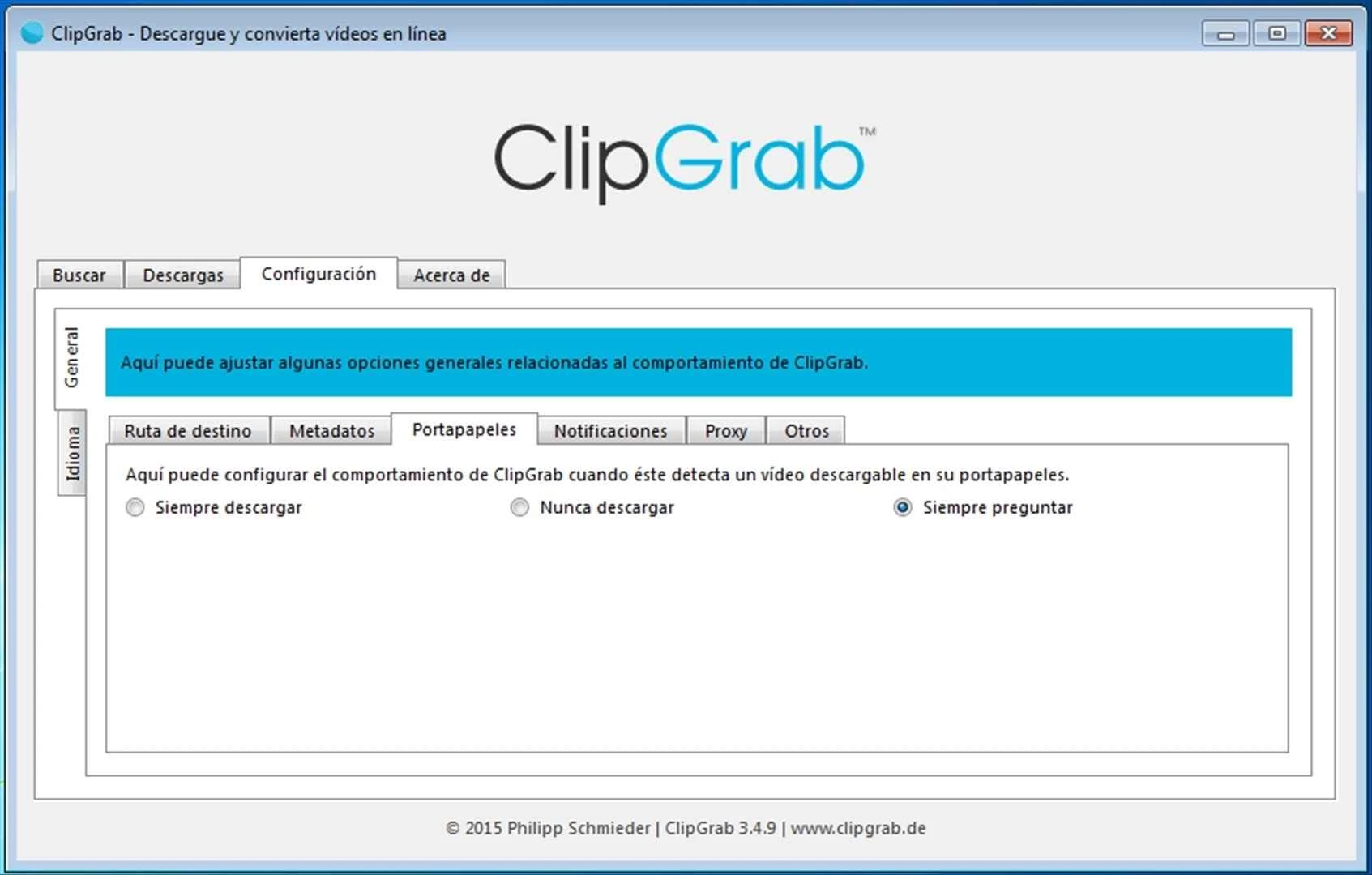
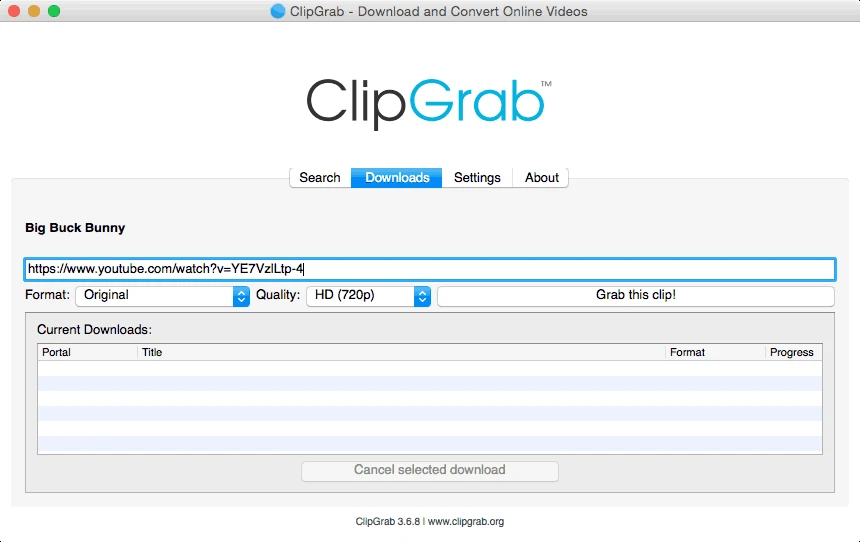
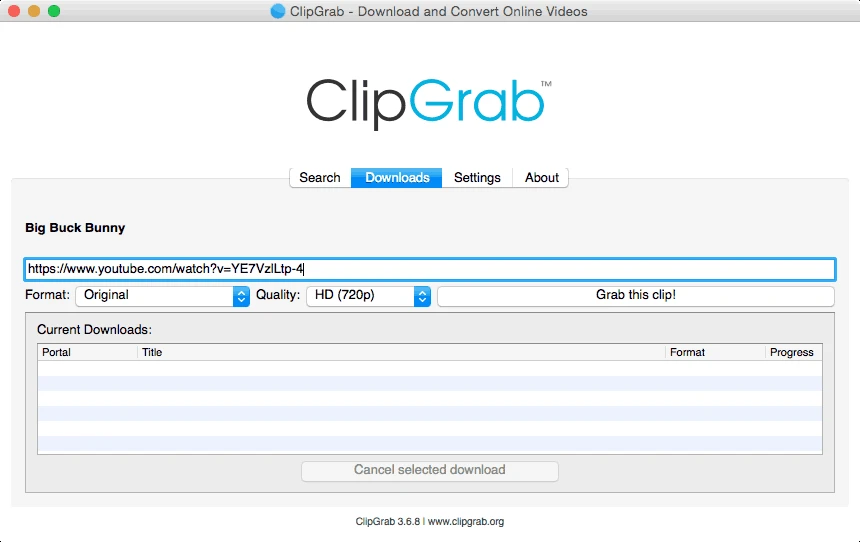
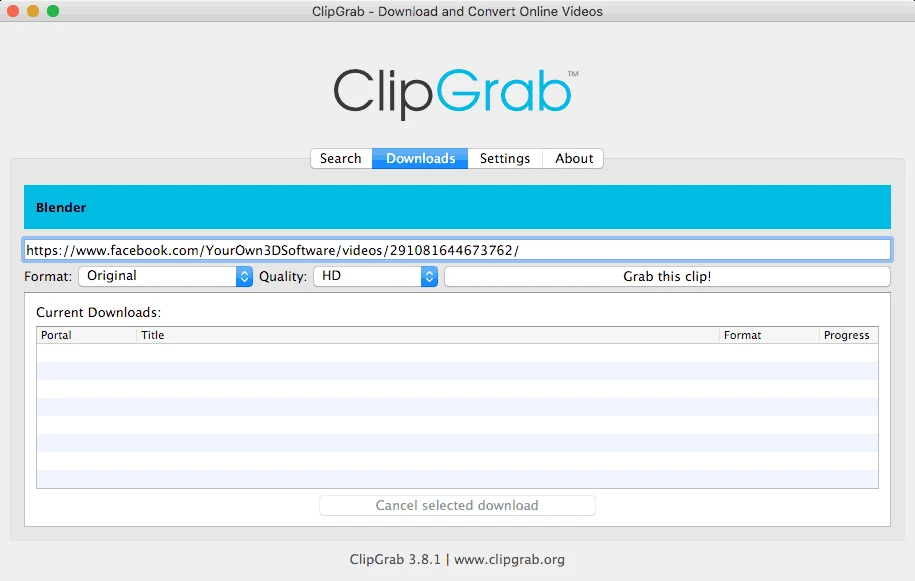
ClipGrab 3.9.15 is free, open-source software for Windows that downloads videos from popular websites and converts them into common formats. You can download ClipGrab for Windows from the official website clipgrab.org; the same site also offers builds for macOS and Linux.
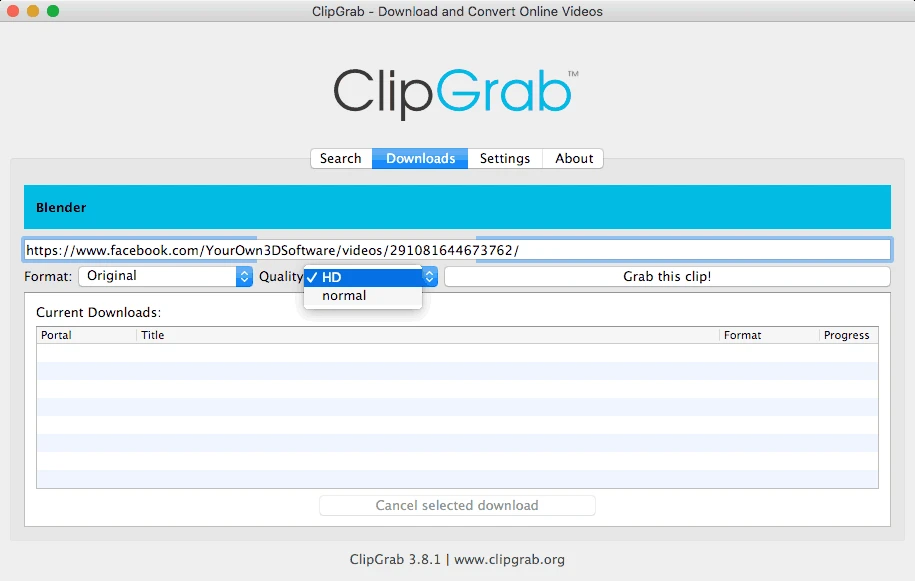
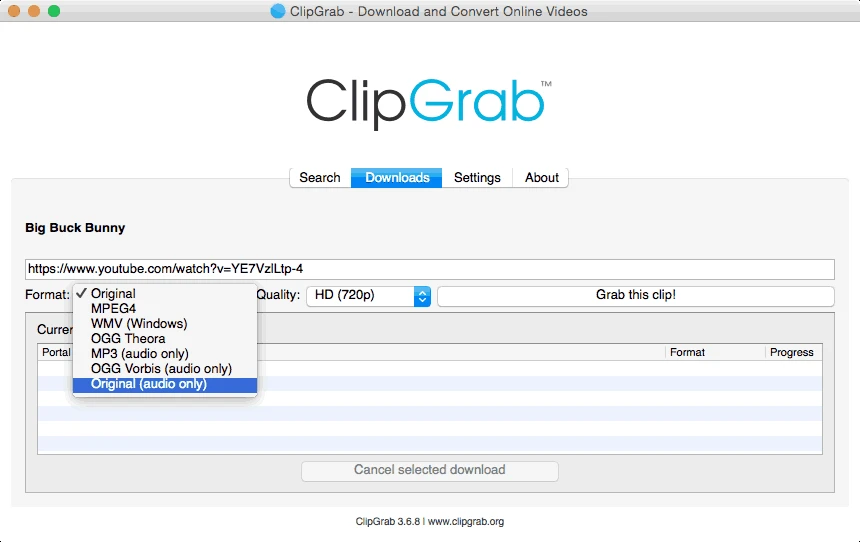
ClipGrab is a download manager for online video with a simple window. You paste a link, choose the format and quality, and the program saves the video to your computer, converting it if you need a different format. That approach suits people who do not want to use command-line tools but need a lecture, a tutorial or their own uploaded clip offline, for example for a presentation in a room without internet or for watching on a train. Because ClipGrab is open source under the GPL, its code can be inspected, and the project has been updated for years: new versions keep appearing, and the official changelog lists which sites and formats each release fixes or adds.
If a site stops working, check the changelog and update to the latest version.
Download only what you have the right to save: your own videos, content under a free licence or videos whose authors allow downloads. Respect copyright and the terms of the websites you use. The official site also has a how-to page with guidance.
ClipGrab is free. Take it only from clipgrab.org: sites that offer ClipGrab with extras or under different names may bundle adware. Scan downloaded files if they come from unfamiliar websites.
Keep the program updated, because video sites change often and older versions stop working. Choose a format your player supports, and keep downloaded videos in a dedicated folder so they do not clutter the desktop.
Open the link in a browser to confirm the video is public, update ClipGrab and try another quality setting.
Our listings include yt-dlp for the command line, Freemake Video Downloader, 4K Video Downloader Plus and JDownloader.
yt-dlp is a free, public-domain command-line program for downloading video and audio from YouTube and many other video sites.

SHAREit is a free Windows app from the SHAREit Team for moving photos, videos and documents between a PC and a phone. The current version is 5.1.0.7.

Zapya for Windows is a free file transfer app from DewMobile for moving files between a PC and phones over a local wireless connection.

Easy Connection to Screen is Samsung's Windows app for showing a PC's screen on a compatible Samsung TV over a wireless connection.

Internet Download Manager (IDM) is a shareware download manager for Windows from Tonec that accelerates, resumes and schedules downloads.

uTorrent (μTorrent) is a small BitTorrent client for Windows from Rainberry (BitTorrent Inc) for downloading and sharing files over torrents.

AnyDesk is a remote desktop application for connecting to and controlling another computer over the internet, from a small Windows program.

ShareMe is Xiaomi's free app for sending files between devices without a cable; on Windows the Android app runs only inside an emulator.

Xender is a free file sharing app from the Xender File Sharing Team for sending files between phones and computers over a local connection.